StickLing
Sticker maker for iMessage.

- iPhone · iPad · Messages
- No account, no tracking
- Works offline
- Made in Switzerland
Overview
Make your own stickers in seconds – from any photo, Live Photo, video, text or emoji – and send them in Messages, paste them anywhere or share them with friends.
Free: unlimited photo, text, emoji and drawing stickers. StickLing Pro adds unlimited animated and AI stickers and unlimited packs.
In detail
Cut out anything.
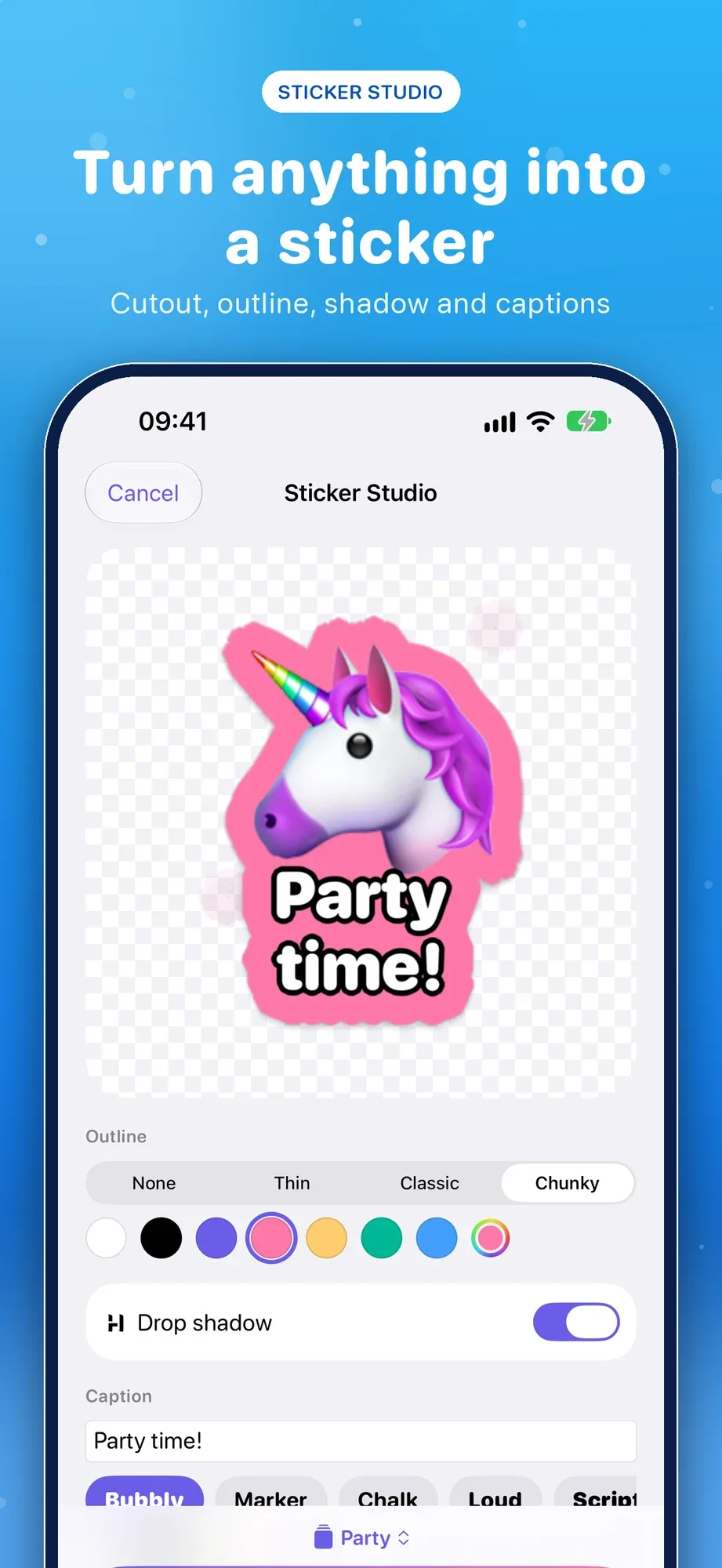
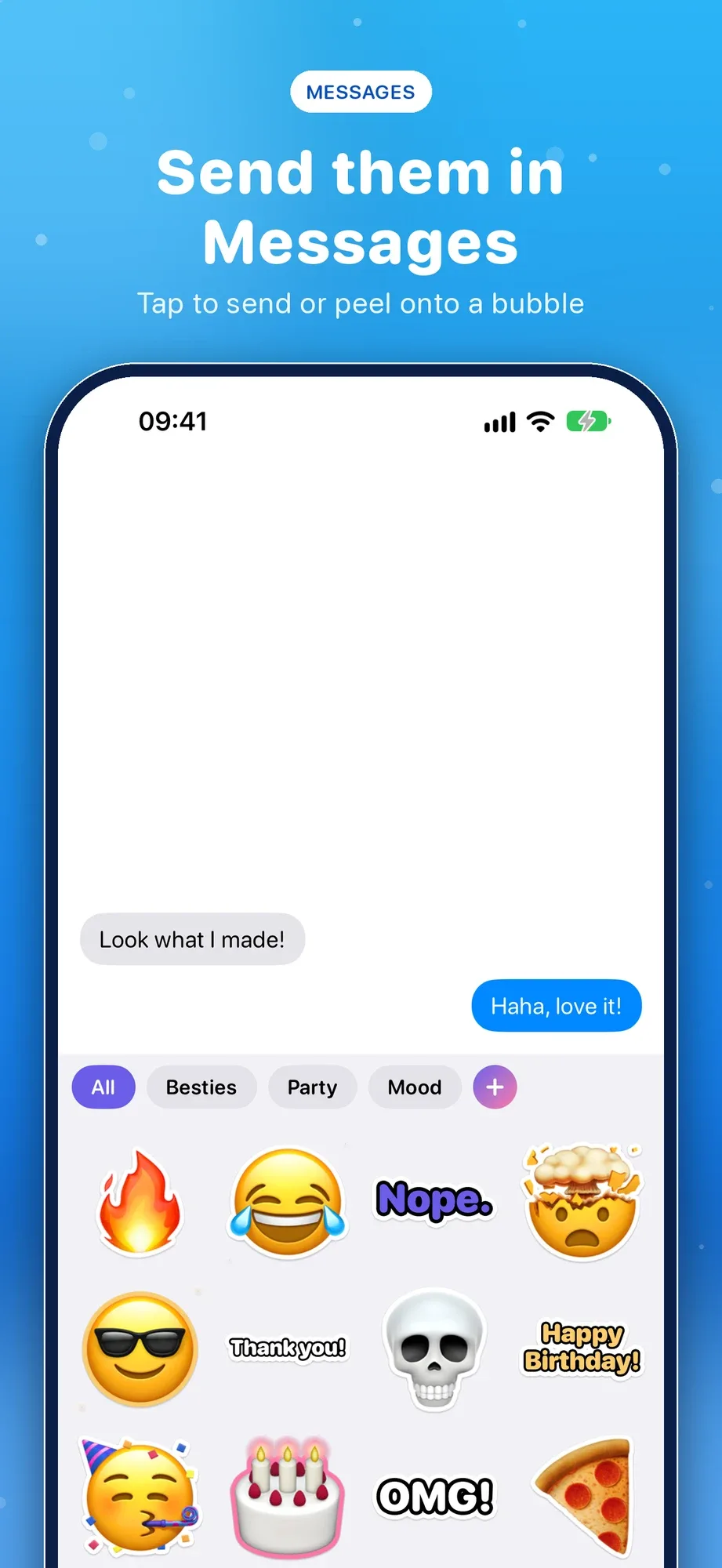
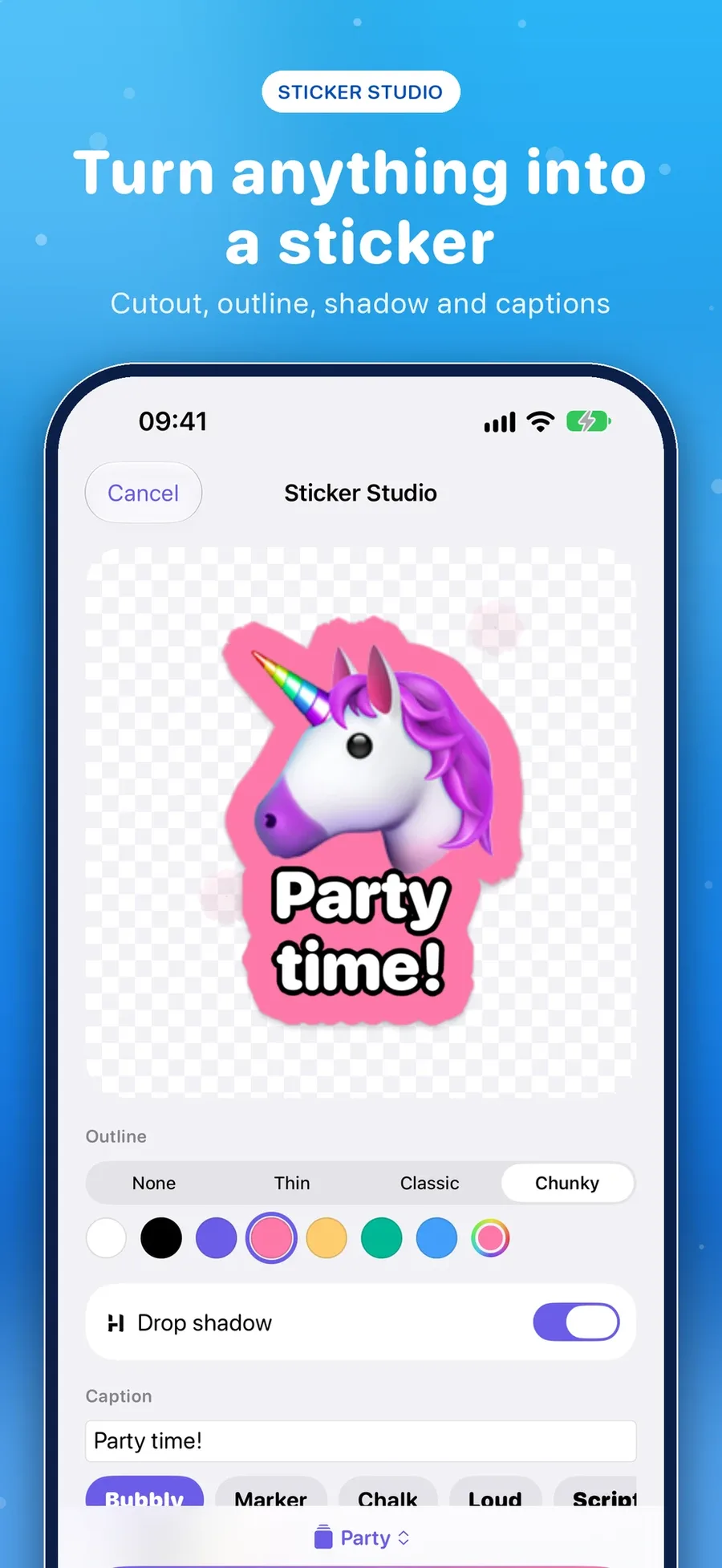
Pick a photo and the subject pops right out, fully on your device. Several people or pets in one shot? Choose who makes it onto the sticker – then add the white outline, a soft shadow and a caption.
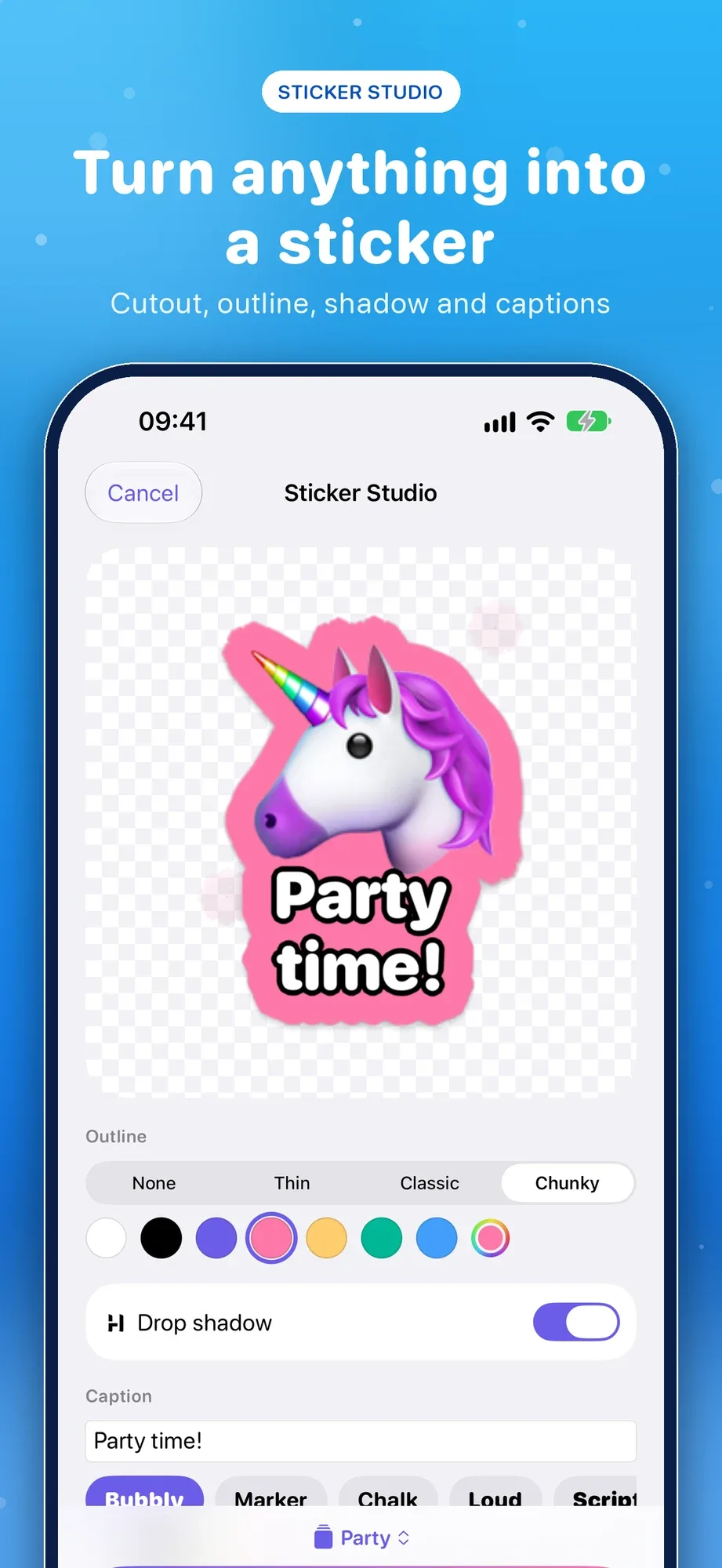
Seven ways to create.
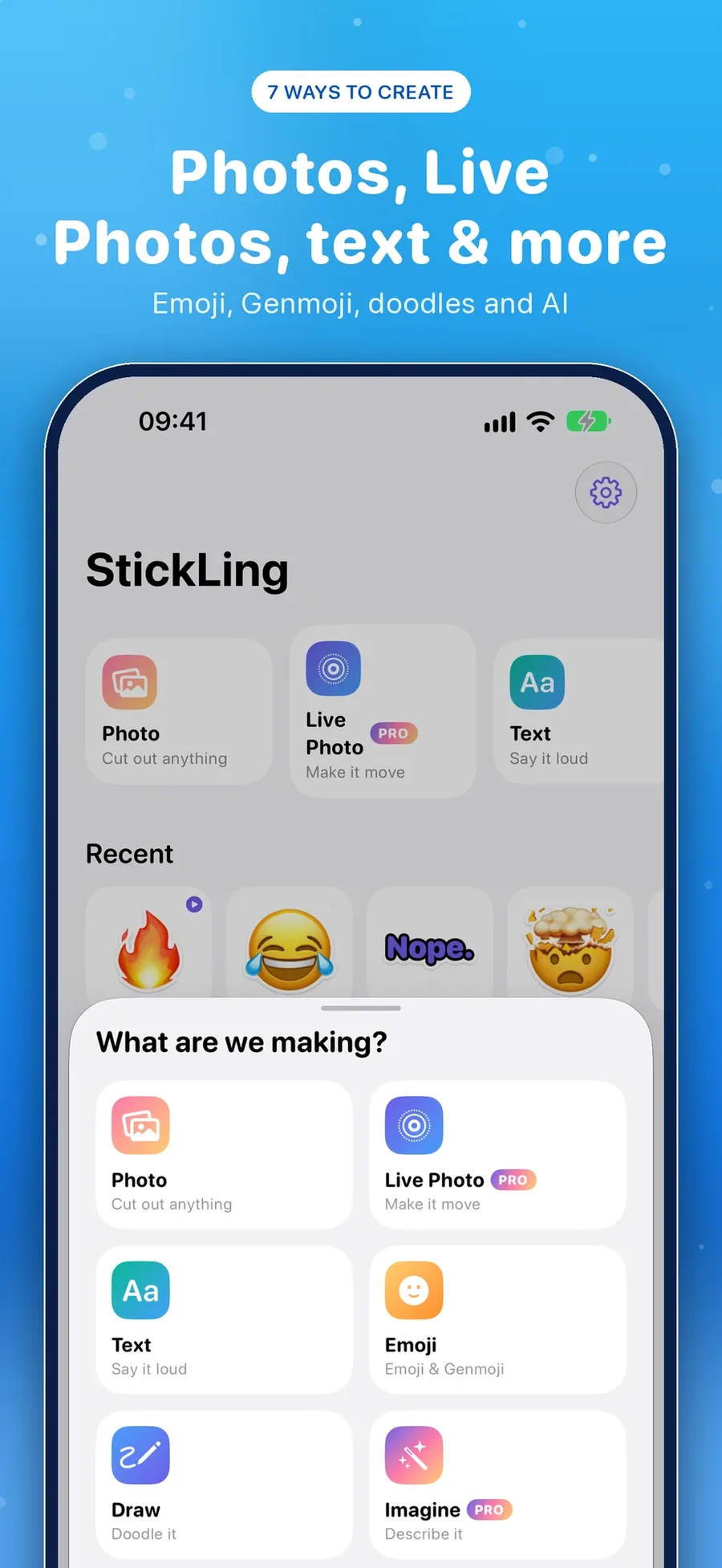
Photo and camera, Live Photo and video, text, emoji and Genmoji, doodles with Apple Pencil or your finger – and Imagine, which creates a sticker from a description with Image Playground.
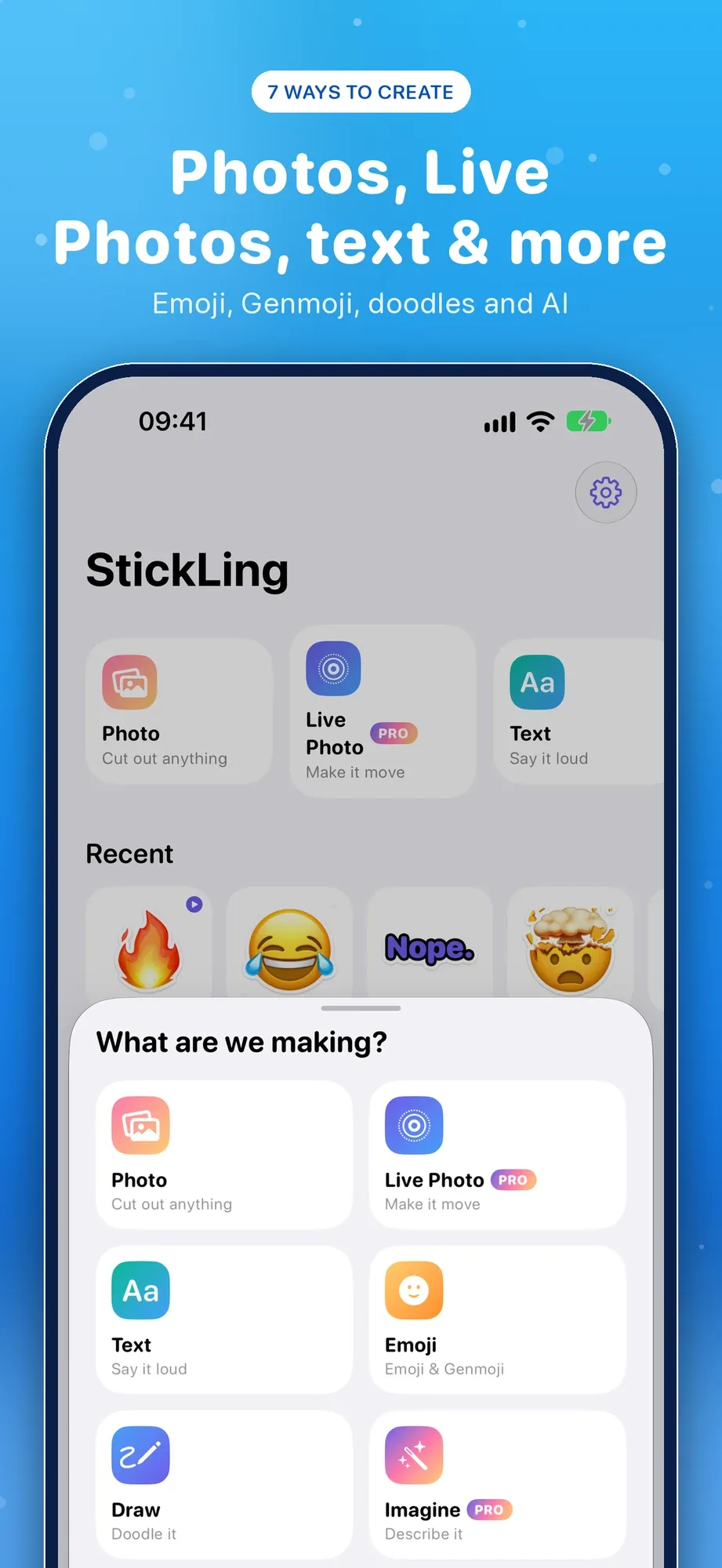
Use them everywhere.
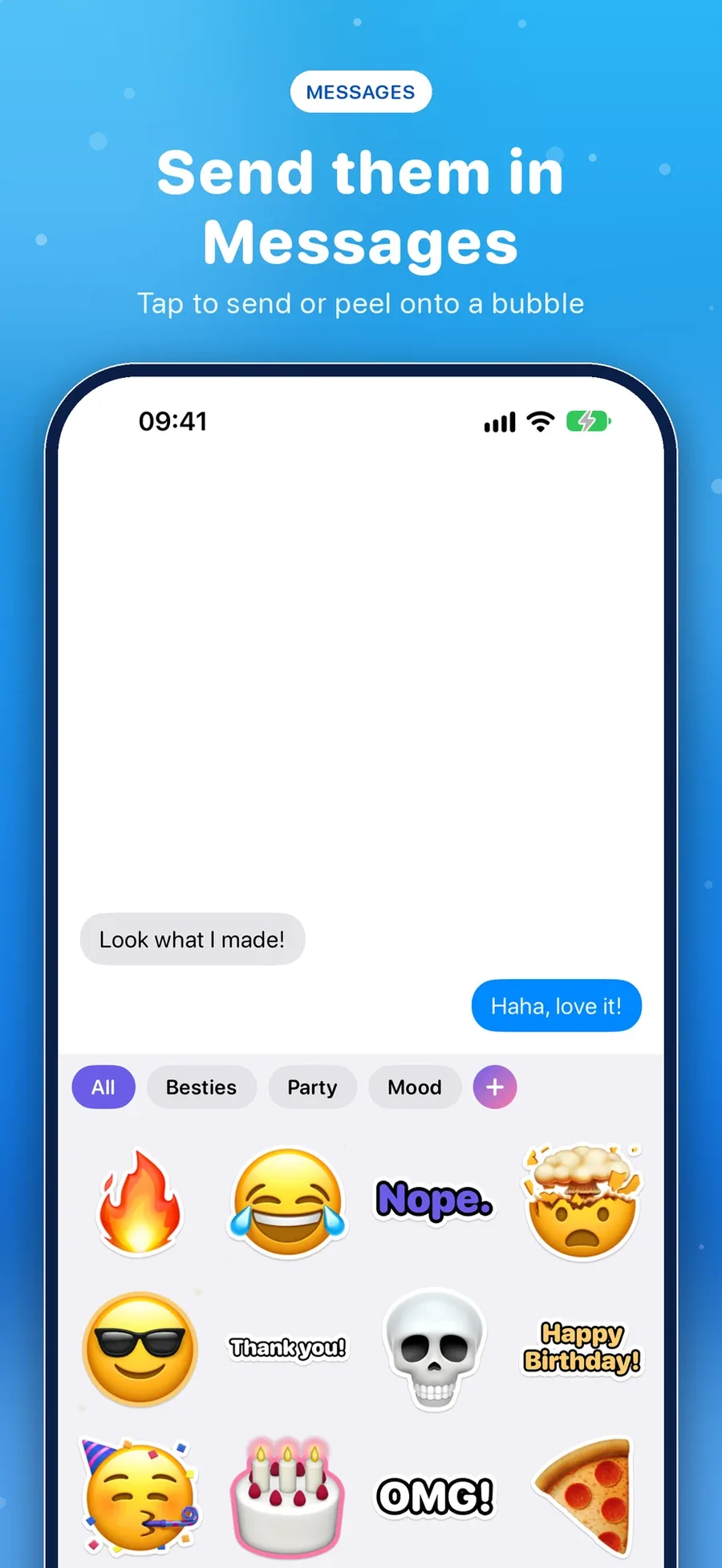
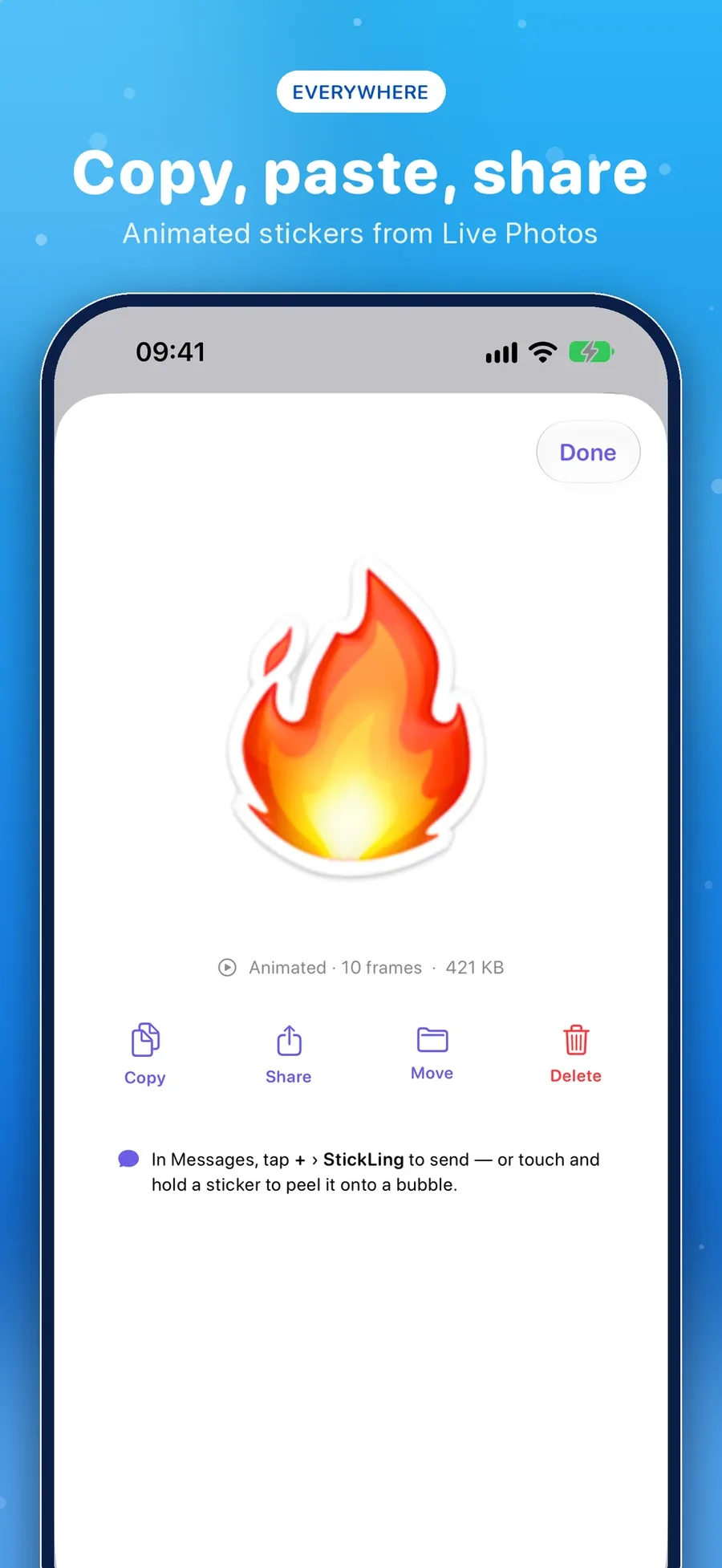
An iMessage app with all your packs, copy and paste into any app, “Make Sticker” in the share sheet of Photos and Safari, Shortcuts and Siri, and a Sticker of the Day widget.
Everything in StickLing.
Cut out anything
The subject pops right out, fully on your device – with a picker for several people or pets.
The real sticker look
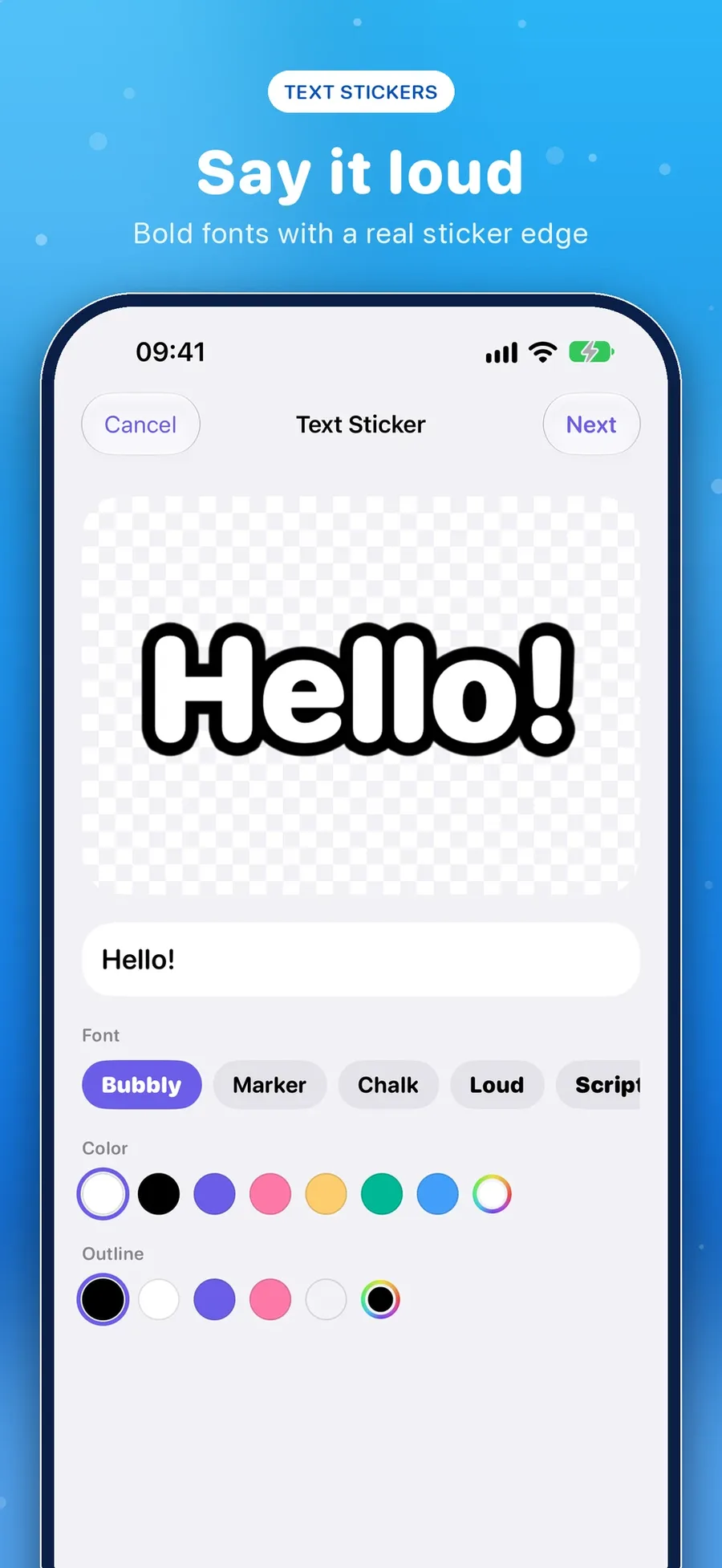
White outline in four strengths or any colour, soft shadow, meme captions in seven fonts.
Make it move
Live Photos and videos become animated stickers with boomerang and speed controls.
Seven ways to create
Photo, Live Photo, video, text, emoji and Genmoji, doodles – and AI stickers with Image Playground.
Use them everywhere
iMessage app, copy and paste, share sheet, Shortcuts, Siri, a widget and WhatsApp packs.
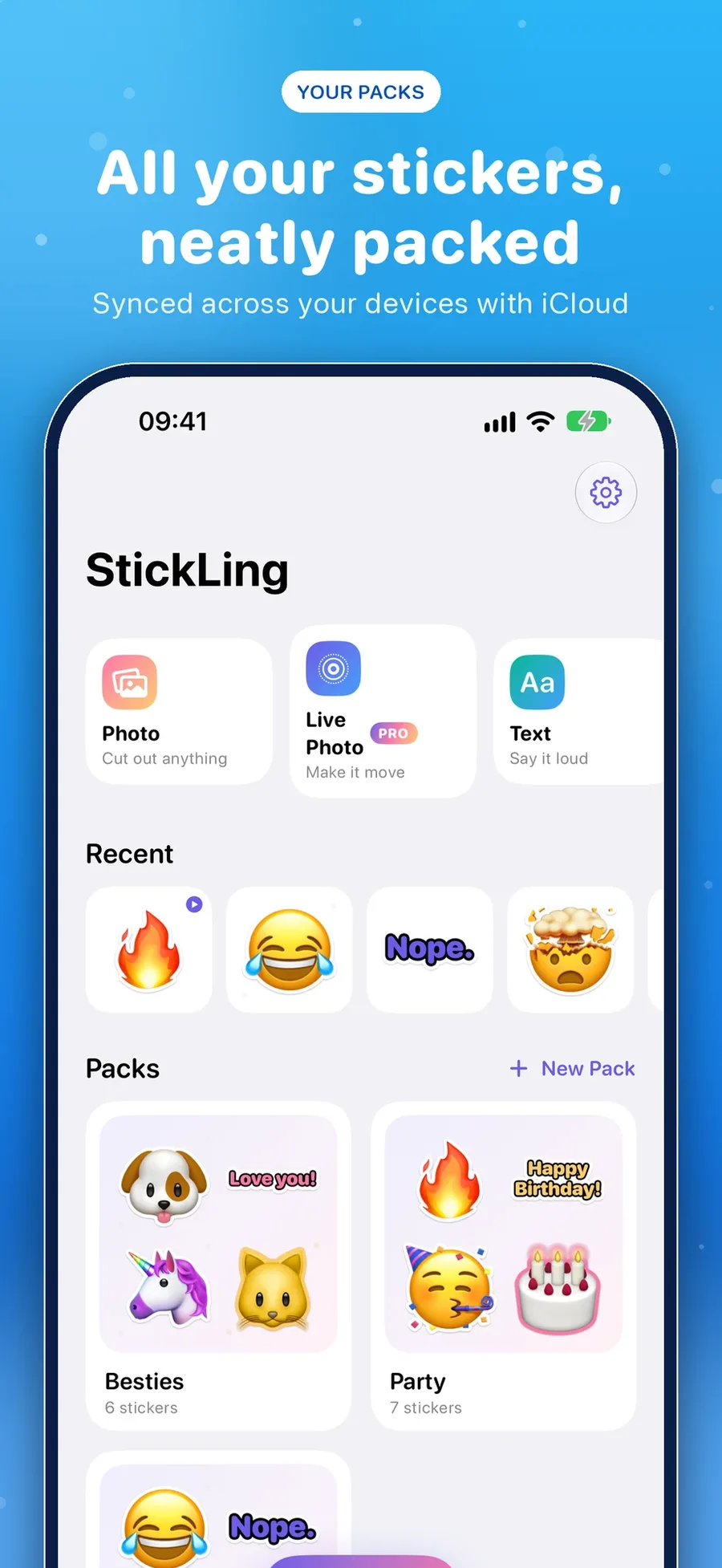
Organised and synced
Packs with covers, synced across iPhone and iPad with iCloud. 34 languages.
Screenshots
Get StickLing today.